[Weverse Global] ILLIT 4th Mini Album ‘MAMIHLAPINATAPAI’ POP-UP Album Pickup Guide
Hello from Weverse Global,
the official merch store.
Please read below for the details on how to buy albums at the ILLIT 4th Mini Album ‘MAMIHLAPINATAPAI’ POP-UP.
You can pre-purchase the albums from Weverse Shop for on-site pickup. Please find more details below.
Weverse Shop Purchase for Same-day Pickup
Scan the QR code at the ILLIT 4th Mini Album ‘MAMIHLAPINATAPAI’ POP-UP to purchase the album and pick it up on-site.
Official Album On-site Pickup
- Operation period:
Sun, May 3, 2026 - Fri, May 8, 2026
- Opening hours:
11:00 AM - 8:00 PM (KST)
- Pickup Location:
1F, 42 Hangang-daero, Yongsan District, Seoul
- Product details:
4th Mini Album ‘MAMIHLAPINATAPAI’ RANDOM
4th Mini Album ‘MAMIHLAPINATAPAI’ SET
4th Mini Album ‘MAMIHLAPINATAPAI’ (PAW PAW ver.) RANDOM
4th Mini Album ‘MAMIHLAPINATAPAI’ (PAW PAW ver.) SET
4th Mini Album ‘MAMIHLAPINATAPAI’ (Weverse Albums ver.)
4th Mini Album ‘MAMIHLAPINATAPAI’ (Gua Sha Ceramic Objet ver.)
- Purchase Limit:
You can check the purchase limit for the albums from Weverse Shop on the Weverse app. This limit may change based on current stock availability.
- Special gifts for album customers (Weverse Shop POP-UP-exclusive special gift):
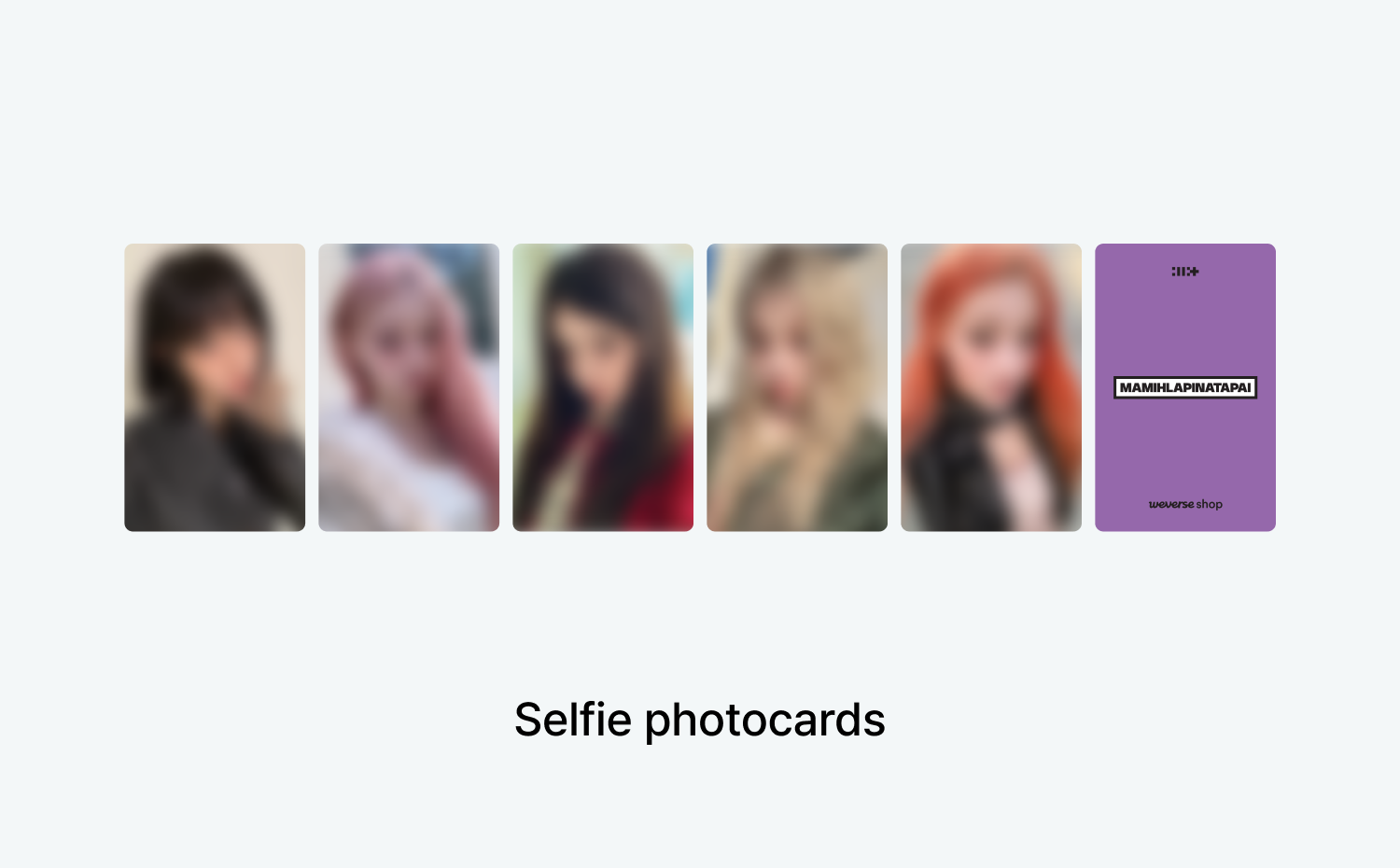
Buy 4th Mini Album ‘MAMIHLAPINATAPAI’ RANDOM and get 1 unreleased selfie photocard (random 1 out of 5 versions).
Buy 4th Mini Album ‘MAMIHLAPINATAPAI’ SET and get 4 unreleased selfie photocards (random 4 out of 5 versions).
Buy 4th Mini Album ‘MAMIHLAPINATAPAI’ (PAW PAW ver.) RANDOM and get 1 unreleased selfie photocard (random 1 out of 5 versions).
Buy 4th Mini Album ‘MAMIHLAPINATAPAI’ (PAW PAW ver.) SET and get 1 set of 5 unreleased selfie photocards.
Please note that the unreleased selfie photocards provided for each album version are exclusive special gifts available only at the POP-UP STORE.
4th Mini Album ‘MAMIHLAPINATAPAI’ (Weverse Albums ver.) and 4th Mini Album ‘MAMIHLAPINATAPAI’ (Gua Sha Ceramic Objet ver.) are not eligible for special gifts.
* The special gifts may go out of stock early due to limited quantity.
How to purchase the official albums on Weverse & pick up on site
① Scan the QR code at the POP-UP venue to access the purchase page
② Purchase albums with the PICKUP tag
② Weverse → More → Order History → Check your QR code
② Present your QR code to the staff at the POP-UP counter and receive your purchases.
[Please Note]
You must present both the reservation QR code and the purchase QR code to pick up your order at the POP-UP store. Please be careful not to share the QR code issued after purchasing the products on Weverse.
Purchases are only available by scanning the QR code at the ILLIT 4th Mini Album ‘MAMIHLAPINATAPAI’ POP-UP venue, and you’ll be able to pick up your order after you make a purchase.
An advance reservation for the POP-UP is required even if you only intend to purchase and pick up albums.
Please note that operation hours may change depending on the circumstances on site.
All products may go out of stock early.
The purchase limit per person may vary depending on each album, and payment may be rejected or canceled if you exceed this limit.
Do not share your QR code. Since there is no additional identity verification at the pickup booth, anyone with access to your QR code will be able to collect your purchases.
Shopping bags are available for purchase only when buying products. You cannot buy a shopping bag exclusively without purchasing any products.
For any other questions regarding the service and on-site pickup, please find a staff member at the venue.
[Exchange and Refund]
1. Purchases that are not picked up during the operation hours will be automatically canceled and refunded after the POP-UP closes.
2. Exchanges and refunds are available within 14 days of purchase. You must visit the venue with the product and the order details.
3. Exchanges and refunds are available only at the POP-UP during the operation period.
4. Once the operation period ends, refunds are not available, even if it is within 14 days of purchase.
5. For exchanges after the POP-UP operation period, please contact Weverse Help.
6. If the product you want to exchange due to a defect is out of stock, you will get a refund.
7. Refunds will be processed using the same payment method, and any special gifts received must be returned upon refund.
8. Exchange and refund are not available in the following cases:
- If the special gift received at the time of purchase is not returned or is damaged
- If the product is lost, damaged, or destroyed due to customer negligence, including damaging or losing the product label (cutting or damaging tags, packaging, etc.)
- If the package has been opened/damaged or shows signs of use
- If the packaging is damaged to an extent that significantly reduces the product's value and prevents resale
[Other Guidelines]
To maintain a pleasant environment for all visitors, bringing in food or companion animals is restricted.
Promotional filming without prior approval is not allowed. (e.g., bloggers, influencers, streamers)
For safety purposes, CCTV will be recording inside the store.
Please be advised that promotional filming and photo shooting may take place both inside and outside the venue, exposing visitors in the footage. This content may be published on the HYBE’s official channels, social media platforms, and media outlets.
Since on-site parking is unavailable, we kindly ask that you use nearby parking facilities or public transport. Complimentary parking is not available.
For safety reasons, overnight queuing is strictly prohibited. Your safety will not be guaranteed, and the staff may disperse the lines.
For inquiries related to the POP-UP, excluding matters related to Weverse accounts and systems, please send an email to popup@hybecorp.com.
Payment Information
- You can pay by debit and credit cards issued in South Korea, or with PayPal, Eximbay, Alipay+, WeChat Pay, PAYCO, Toss, NAVER Pay, Kakao Pay, or Weverse Card.
- If you add Toss, NAVER Pay, or Kakao Pay to payment methods, you can use the balance on your preferred payment option to pay, without having to use a credit card.
- If your default currency is set to USD, JPY, CNY or MXN, you can pay with available payment methods for each currency.
USD - PayPal, Eximbay, Alipay+, WeChat pay, and Grab pay
JPY - PayPal, Eximbay, Alipay+, and WeChat Pay
CNY - Eximbay, Alipay+, and WeChat Pay
MXN - PayPal